Partners



 Download
 Kaufen
MaxDB Maestro online Help
| Prev | Return to chapter overview | Next |
Working with databases

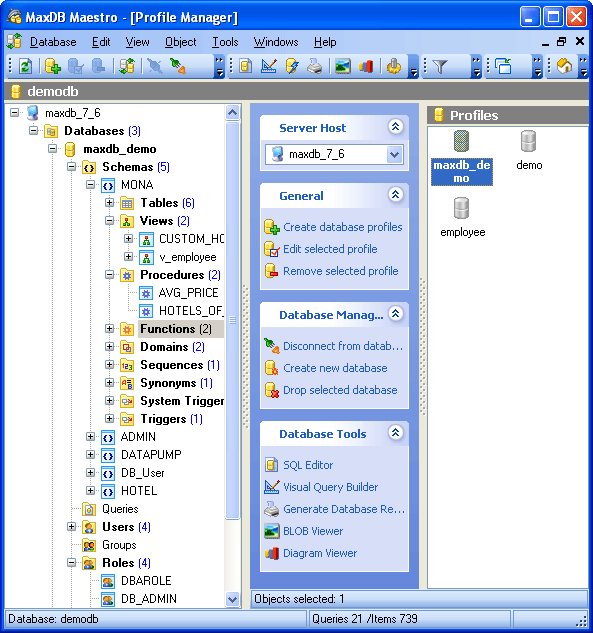
After you have created the required database profiles (Create Database Profile Wizard) they appear in the explorer tree on the left. Now you can establish connection to the database. If connection succeeds, the database node expands displaying the tree of its objects.
Now you can perform all the necessary MaxDB admin routines such as creating, editing, copying, extracting and dropping database objects, design your database as ER diagram, build queries visually, execute queries and SQL scripts, accomplish database administration operations in a few mouse clicks, view and edit data including BLOBs, represent data as diagrams and pivot grids, analyze information summarized into OLAP cubes, export and import data to/from most popular file formats, manage server security features, and use a lot of other admin tools designed for making your work with MaxDB server comfortable and efficient.
| Prev | Return to chapter overview | Next |