Partners




 Download
 Buy
BuyData Wizard for MySQL online help
| Prev | Return to chapter overview | Next |
Templates

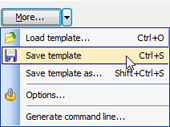
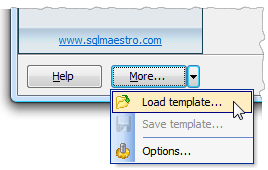
Data Wizard for MySQL allows you to save and restore all options set during a wizard session. You need not to specify all session parameters each time you work with a wizard anew; instead you can load all settings from a template and change them if necessary. To create a template, walk through the wizard and click More > Save Template at the last step. All the settings you have made will be saved to a file. To restore previously saved settings from a template, click More > Load Template at the first wizard step.
Templates are very useful when working with Data Wizard for MySQL. If you will close any wizard without saving a template, all carefully adjusted settings will be lost. To set the same options next time, you'll need to repeat the process step by step again while with a template all the session parameters can be restored in a few mouse clicks.
| Prev | Return to chapter overview | Next |