

|
 |
Subscribe to our newsletter

 Customers
|
Code Factory for MySQL online Help
Get SQL Dump
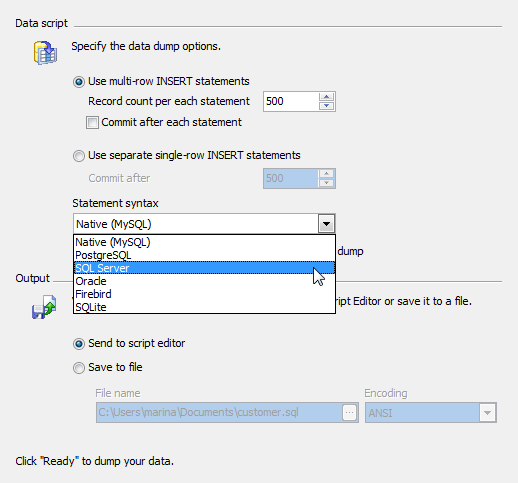
Get SQL Dump Wizard allows you to export data from a table or a query result to the SQL script as a number of INSERT statements.
In order to get a SQL dump from a table or a query:
| • | open the table in Table Editor or open and execute query in SQL Editor or Query Builder; |
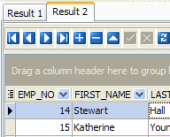
| • | open the Data tab or the Result tab respectively; |
| • | use the Get SQL Dump item of the Navigation Bar. |
See also: Export Data Wizard, SQL Script Editor
|
| SQL Maestro Group team wishes you a Happy New Year 2009! |
We're glad to grant you a 20% discount for all our products and bundles till January 11!
The offer expires in day(s), so don't wait: act now and start the New Year with
great savings on high-quality DBA tools! |
 Company news 
Jul 10, 2008
Unicode support, HTTP tunneling, Code Formatter, SQL Generator and other useful things. There are versions for all the supported DBMS (MySQL, Oracle, SQL Server, etc).
Aug 21, 2007
SQL Maestro Group introduces new titles of MySQL Adminstration Tools family members.
May 29, 2007
Now you can purchase all our products and bundles with 3 year upgrades included.
 Feature of the day
MySQL Code Factory allows you to represent numeric data from a query result as a diagram with a possibility of customizing its appearance and export the diagram to the following formats: BMP, Windows metafile, PDF, JPEG, PNG and more.
MySQL Code Factory allows you to design SELECT queries as visual diagrams.
|
|