Partners



Firebird Maestro
 |
Complete and powerful database management, admin and development tool for Firebird.

|
 Download
 Order now!
Detailed info
Firebird Maestro is the premier Firebird tool for database management, control and development. It provides a rich set of GUI tools for anyone who uses Firebird including database developers, DBAs, and data analysts. Key features include:
- Support for all Firebird versions up to 5.0
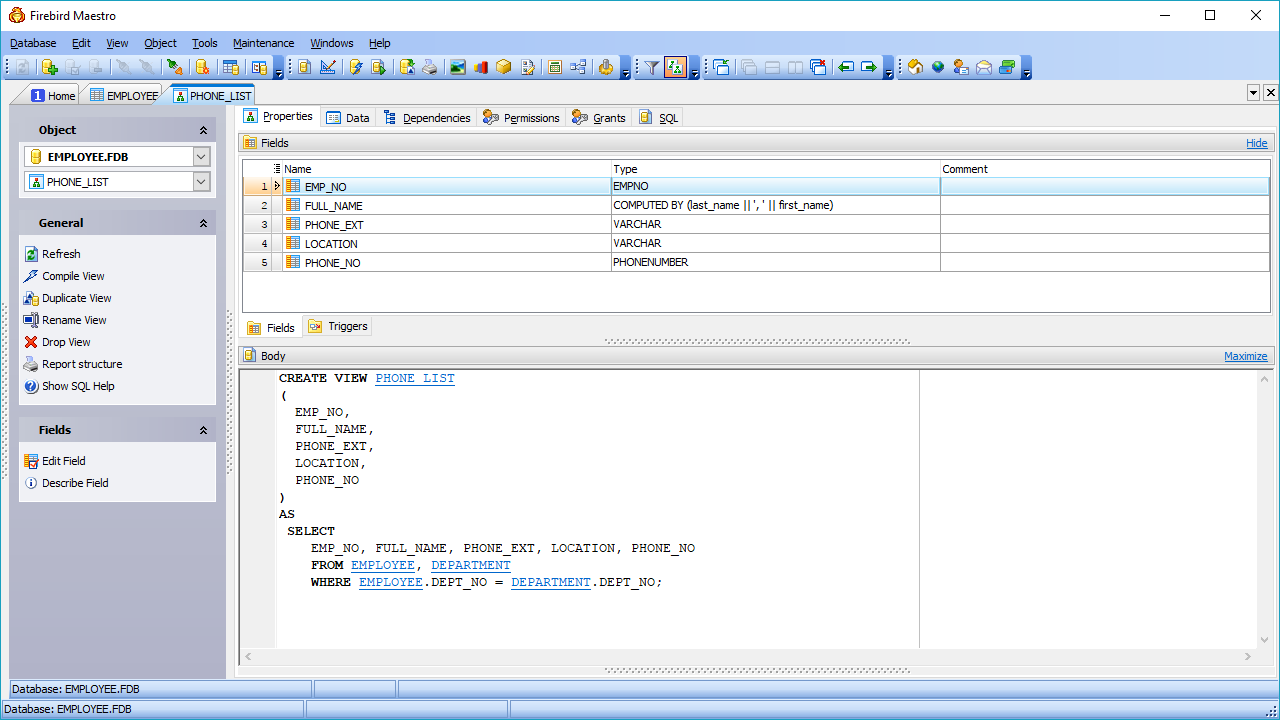
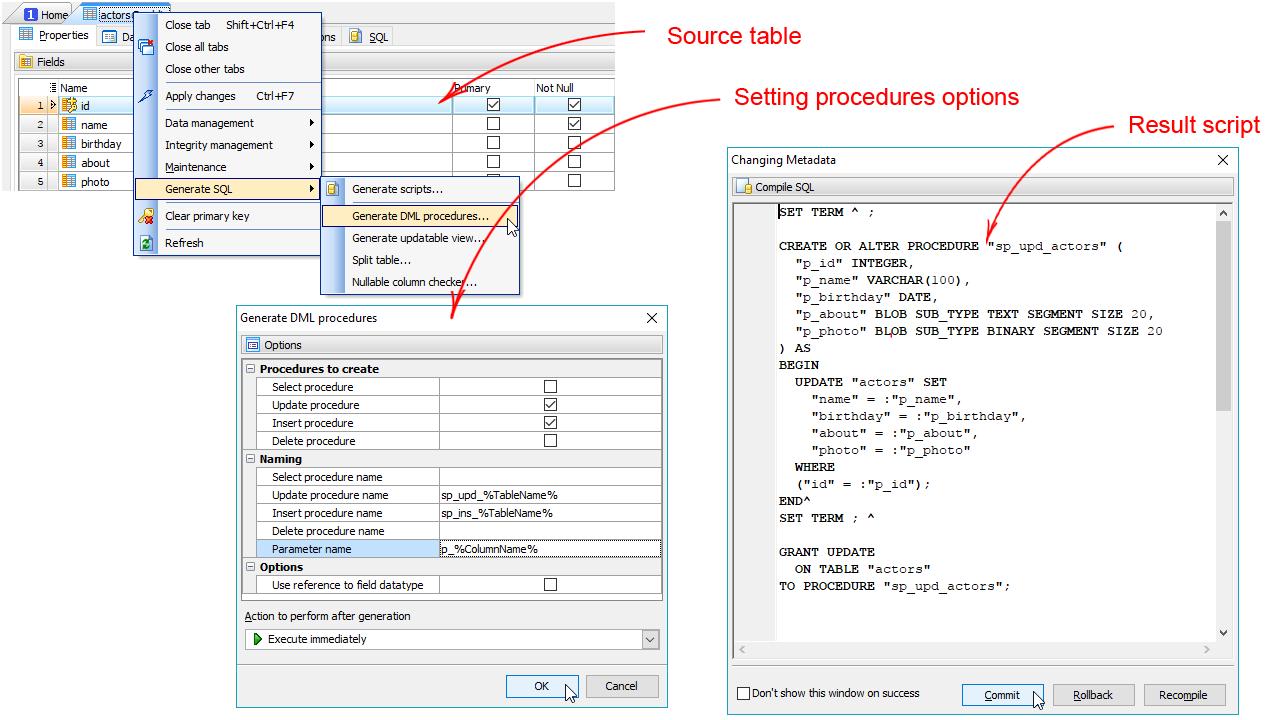
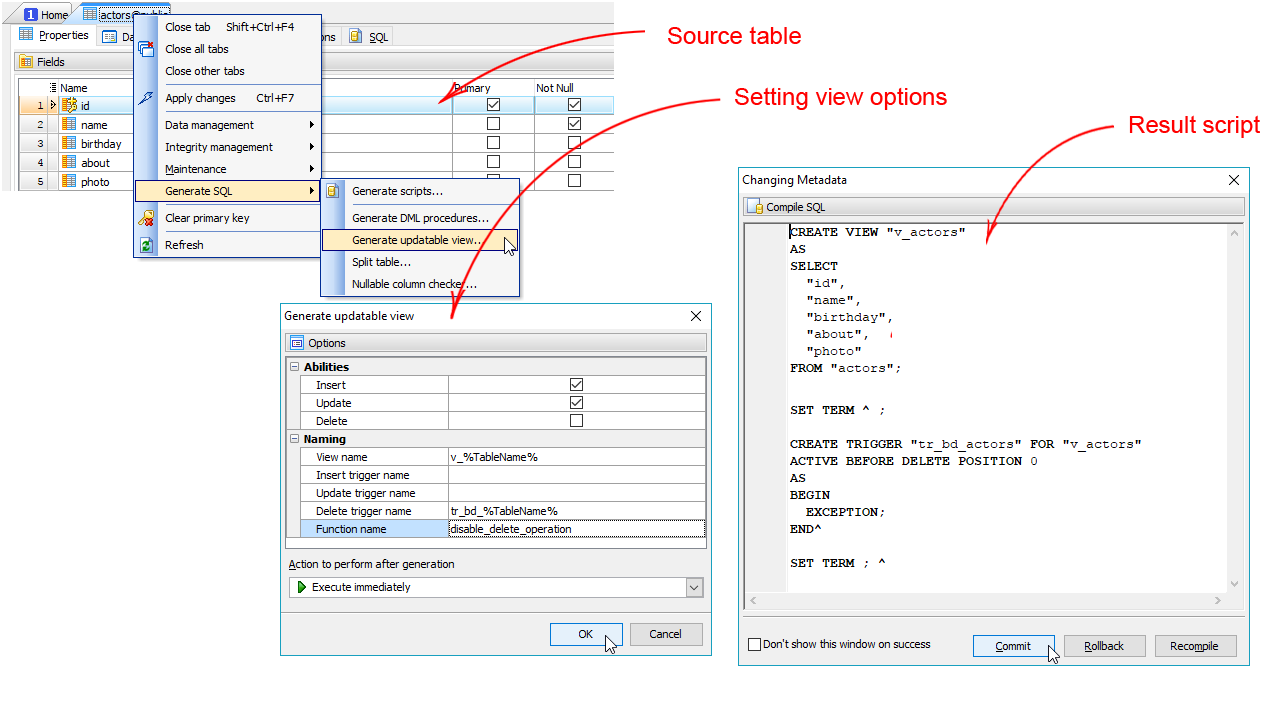
- Easy database object management
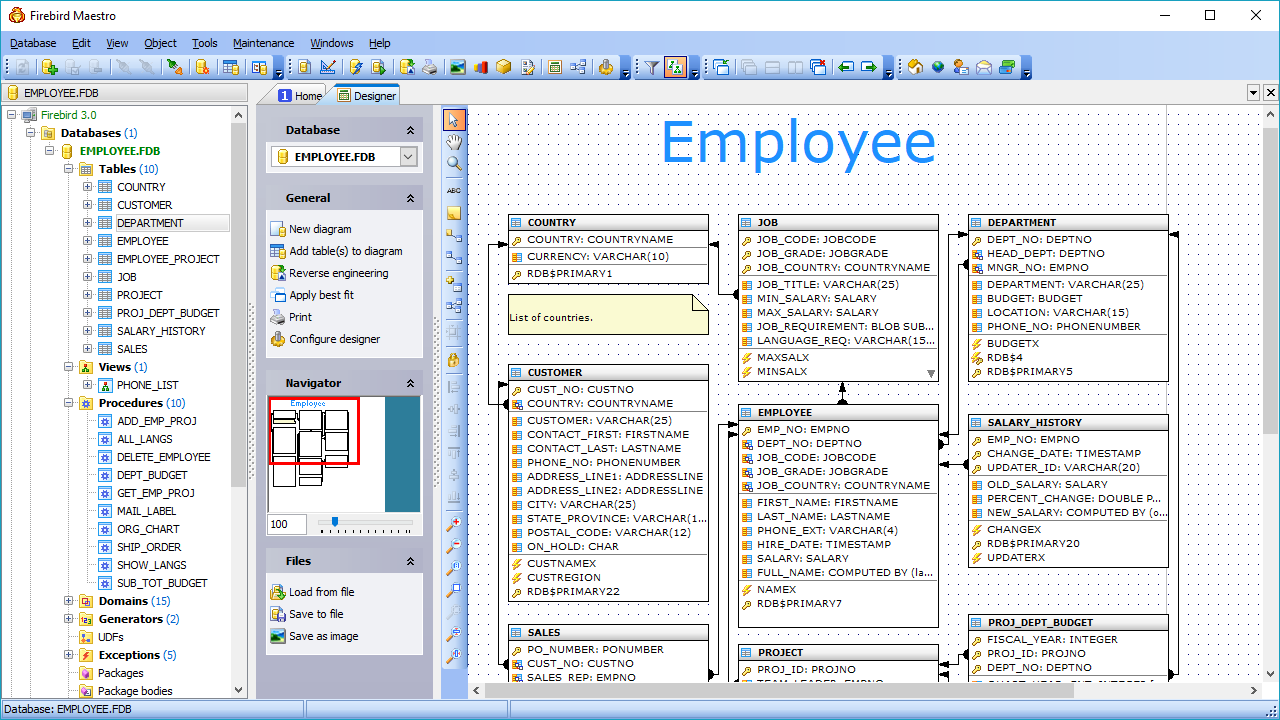
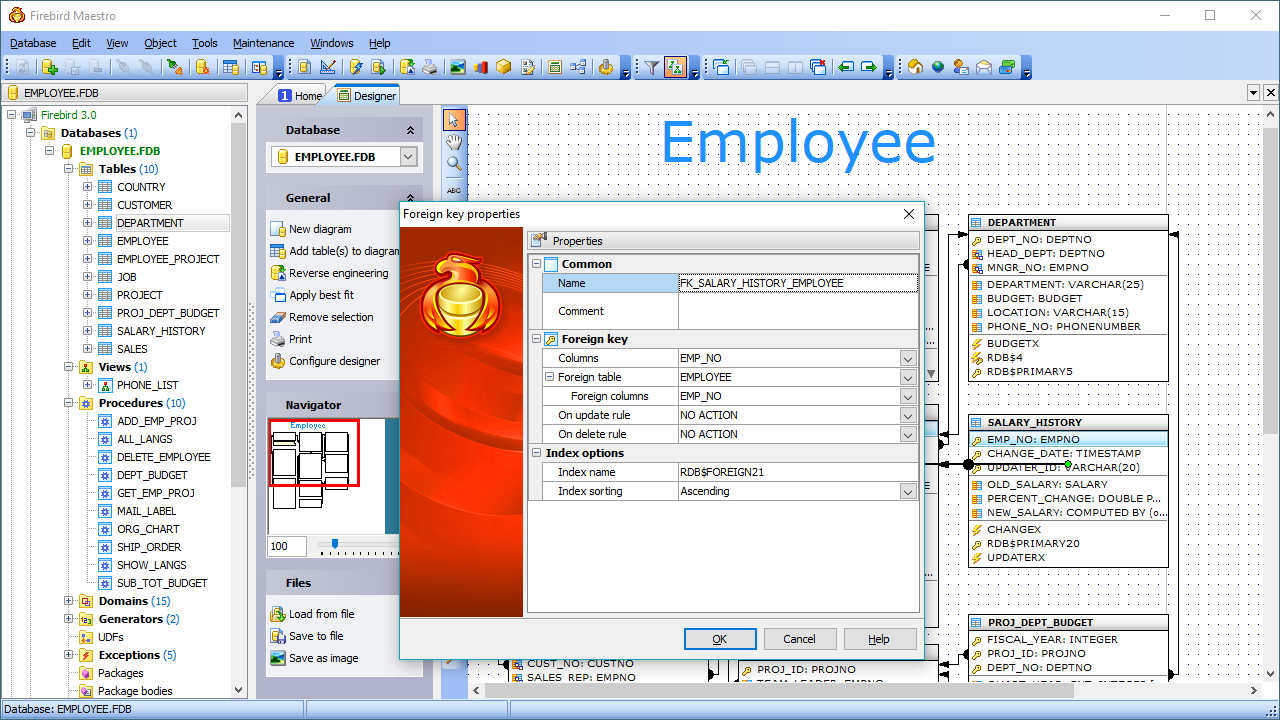
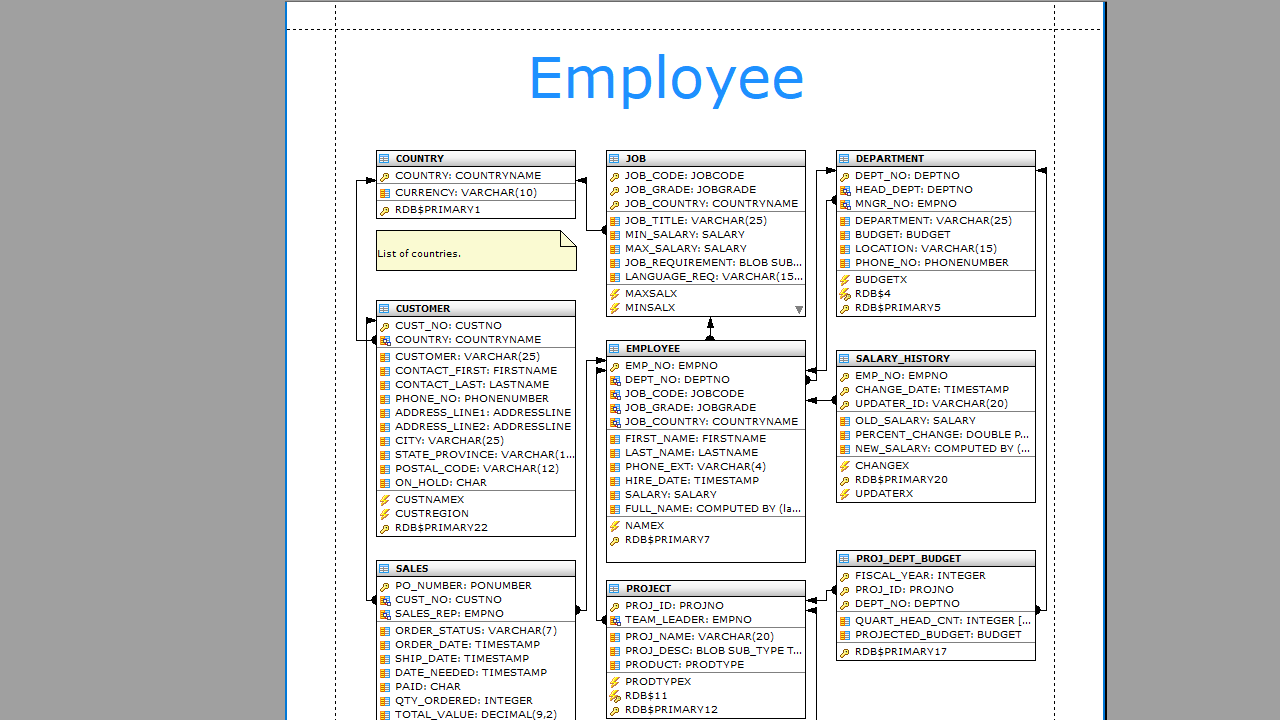
- Database Designer
- Comfortable access to Firebird security features
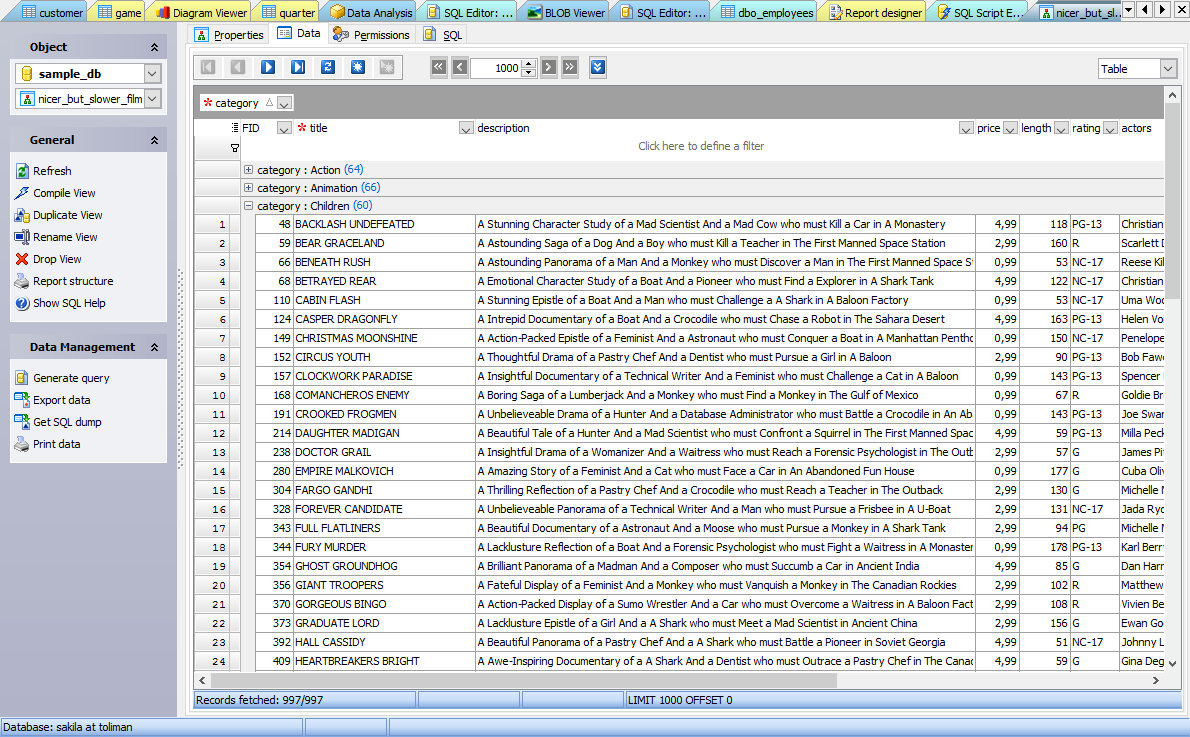
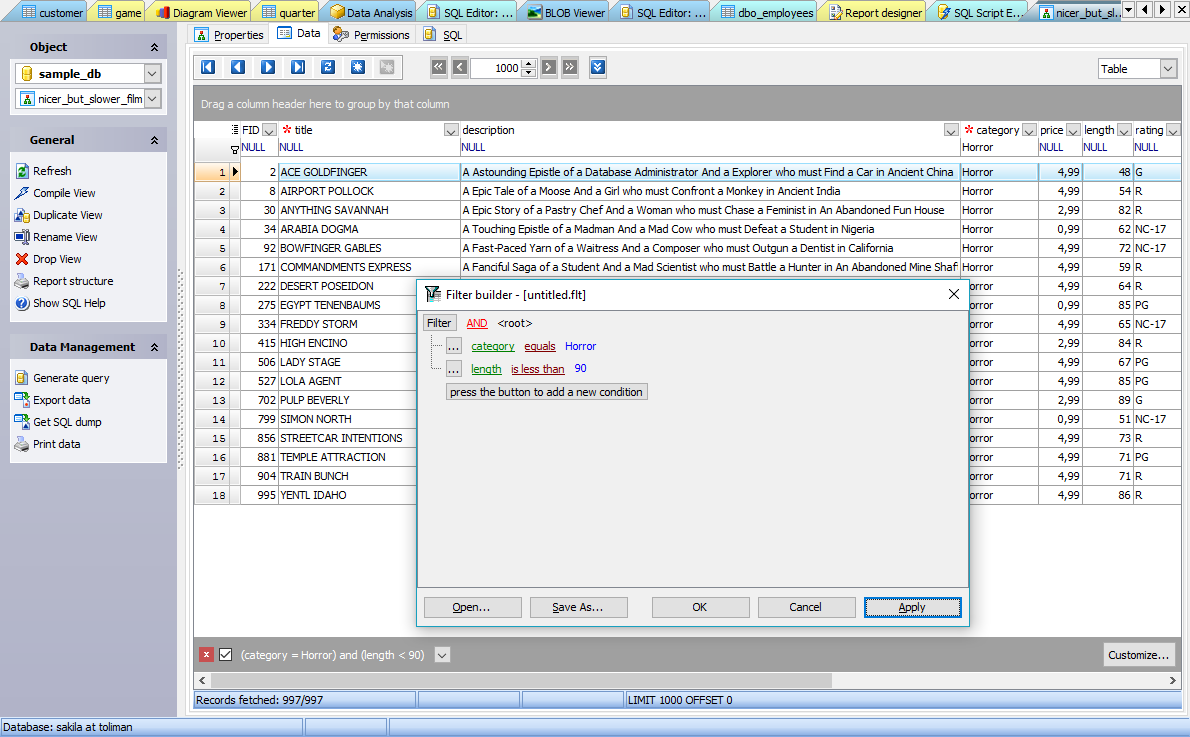
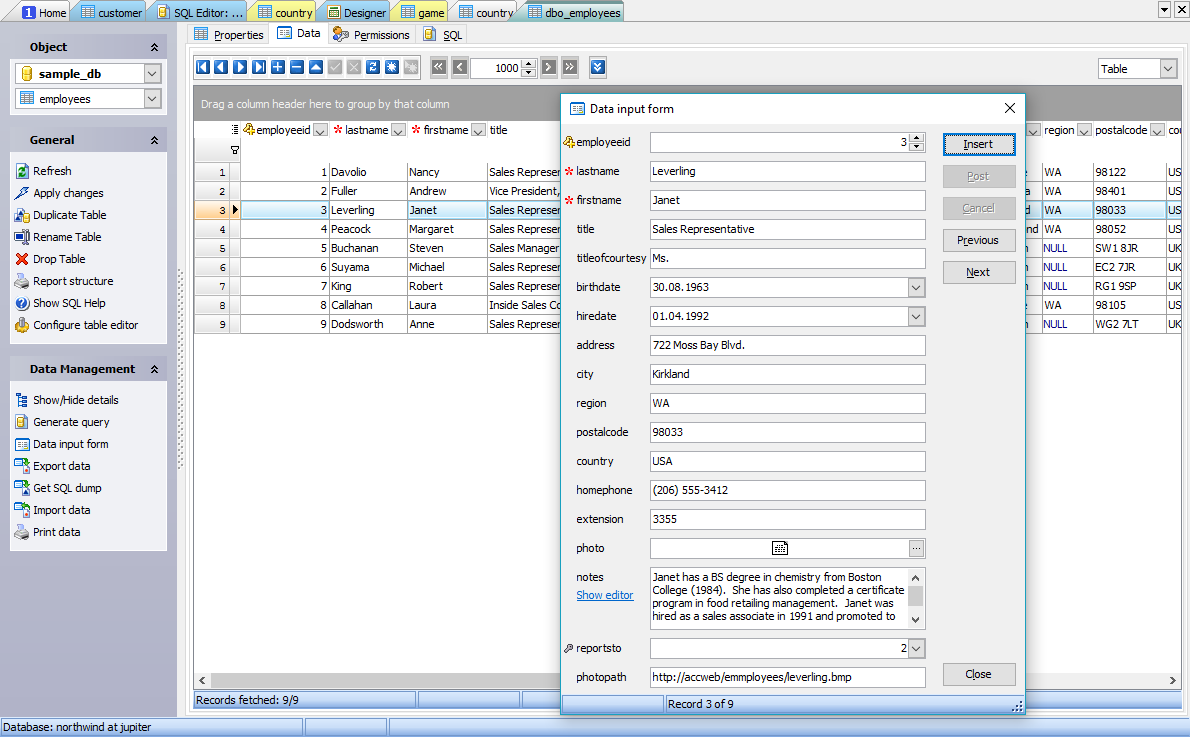
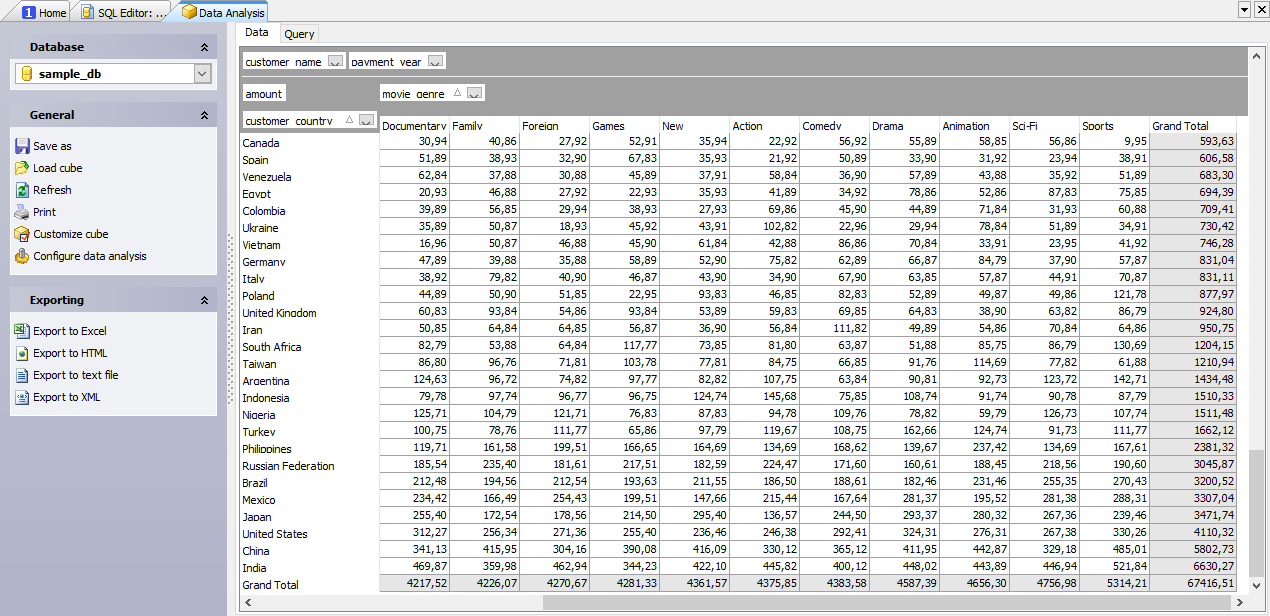
- Data management and data analysis tools
- Handy SQL Editor with code folding and multi-threading
- Visual Query Builder with support for subqueries and UNIONS
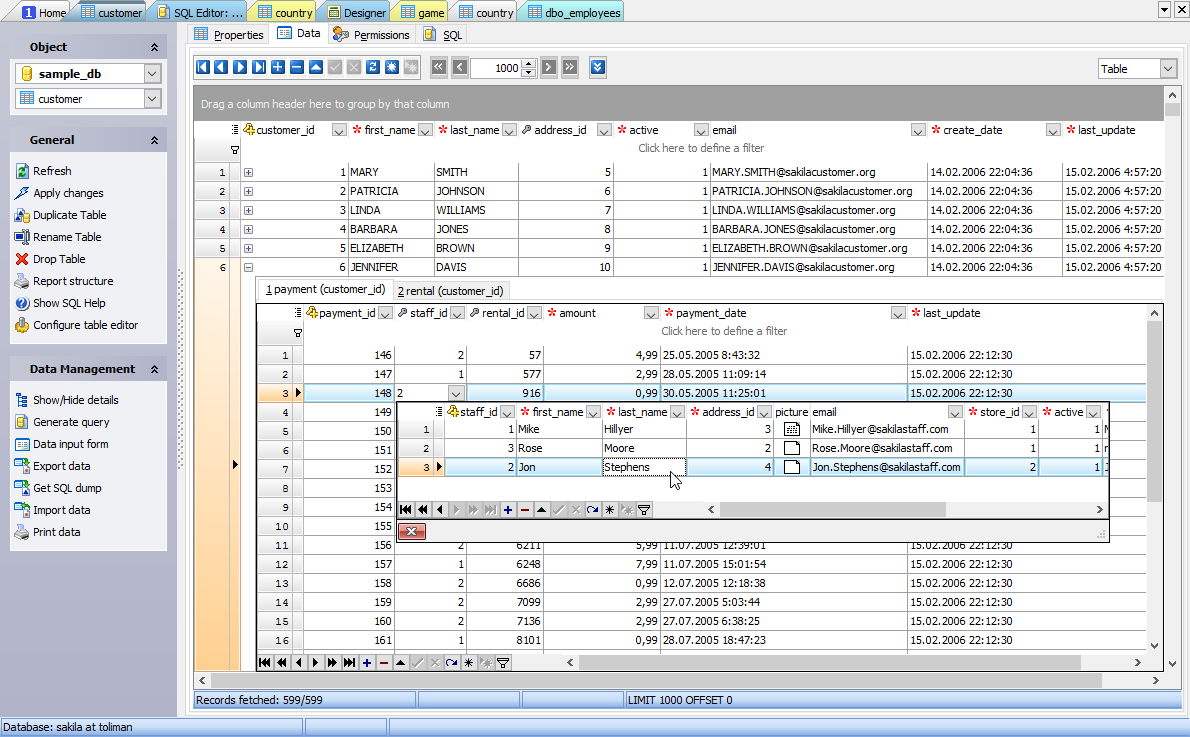
- Data export/import to/from the most popular formats
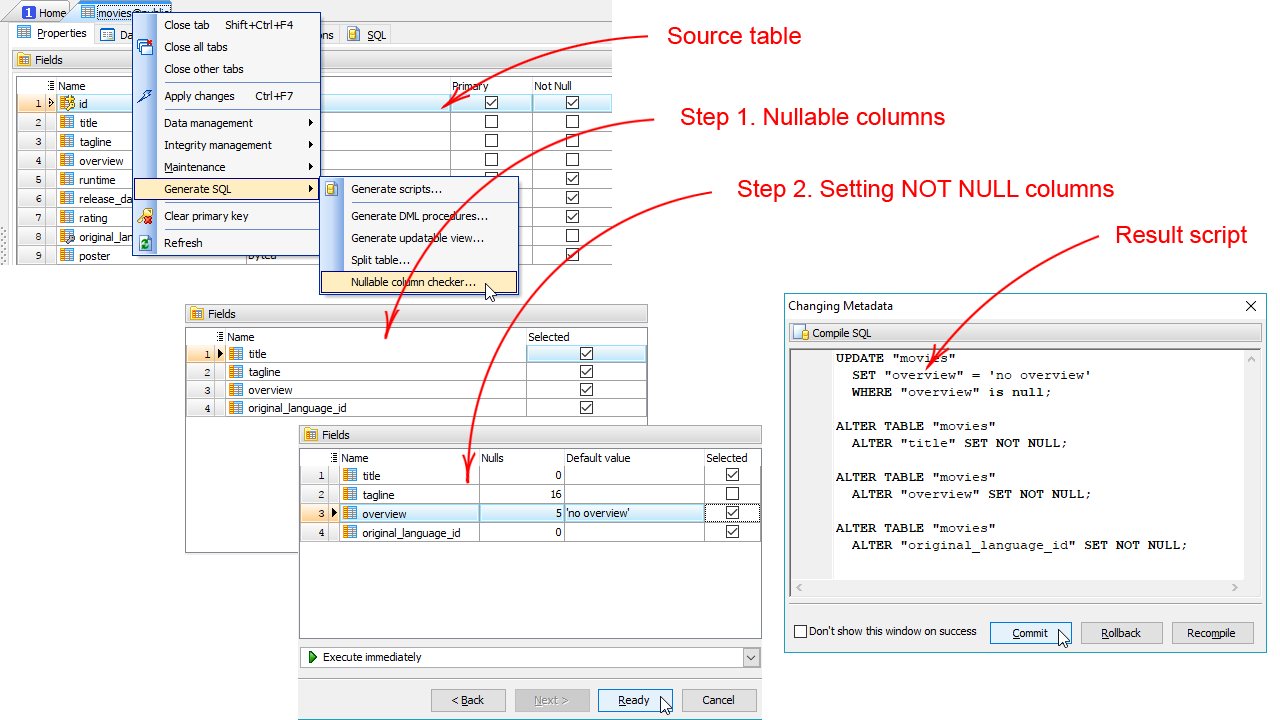
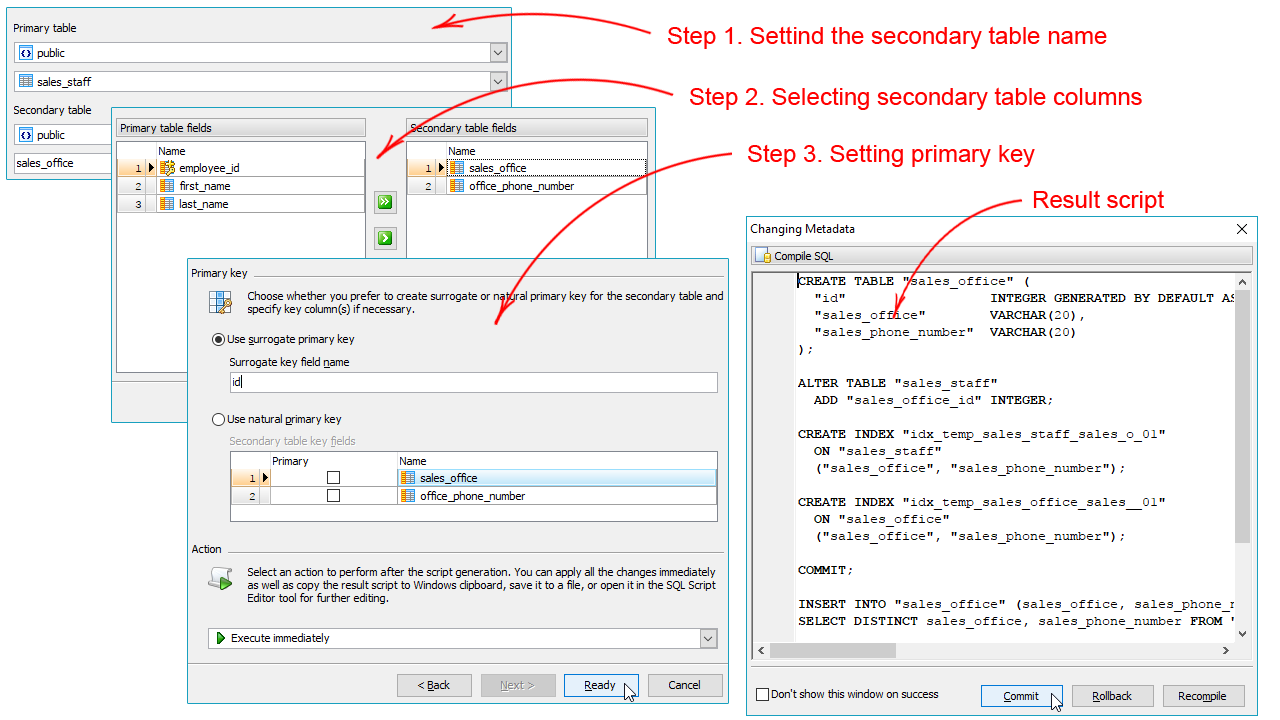
- Database schema refactoring tools
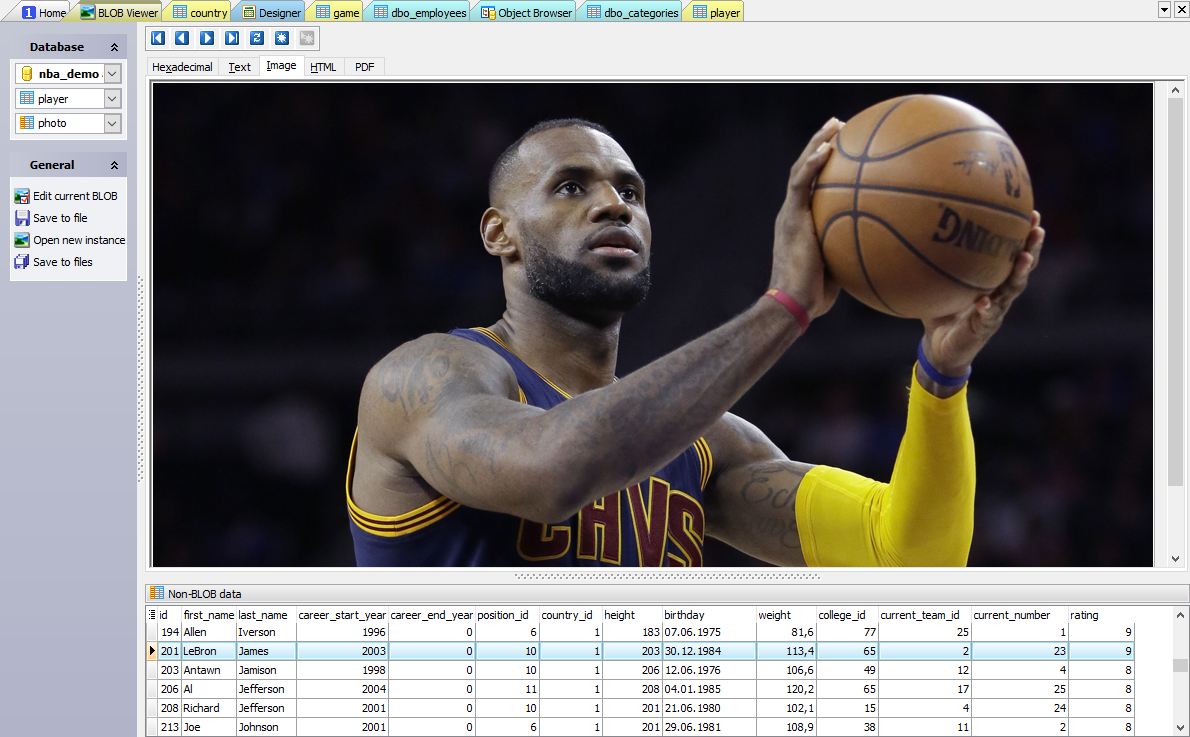
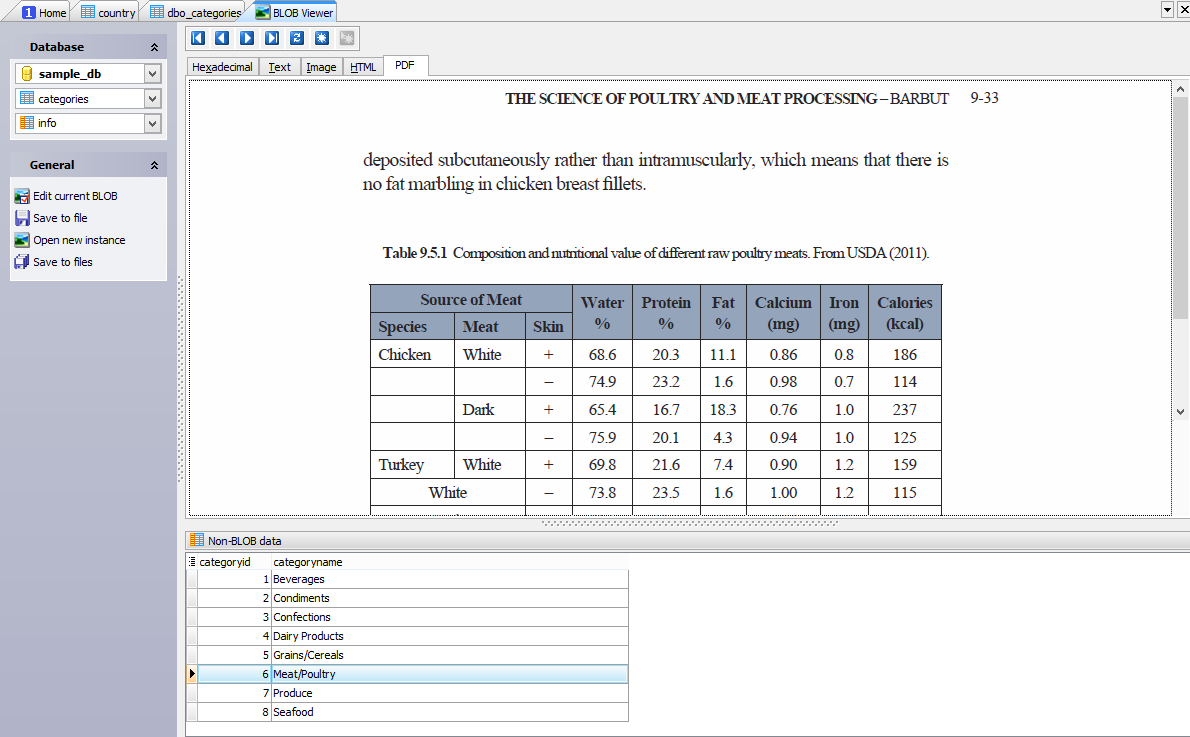
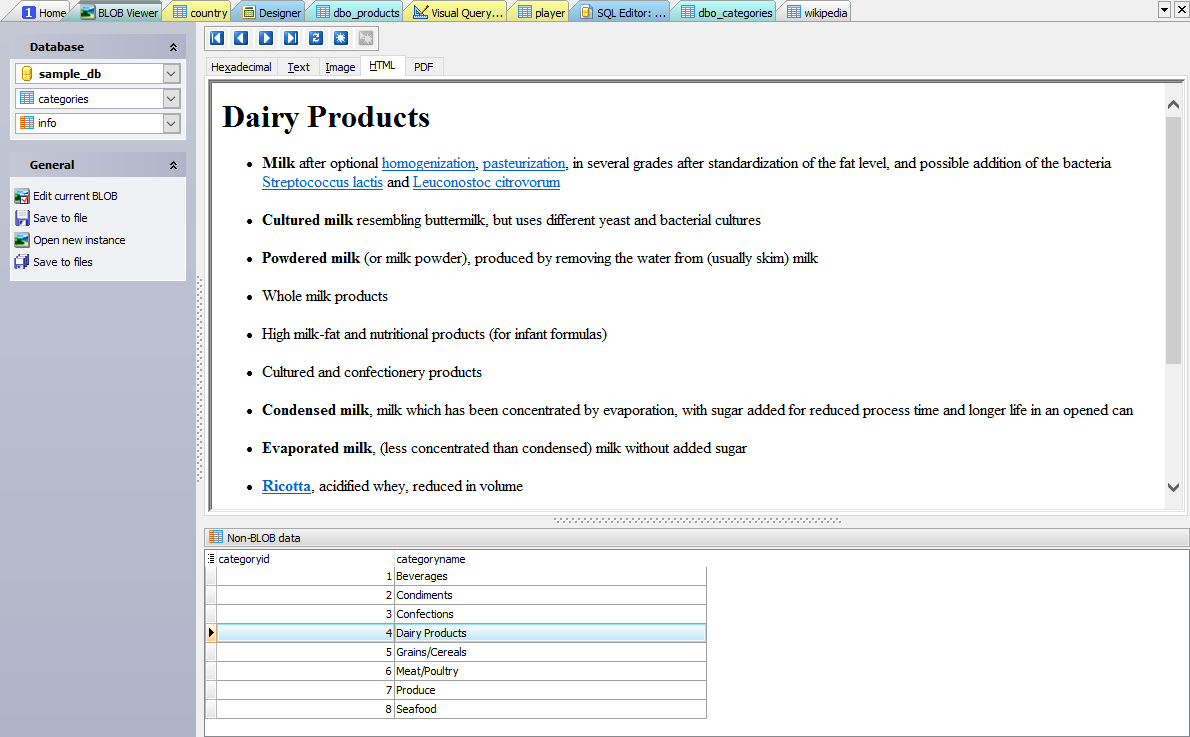
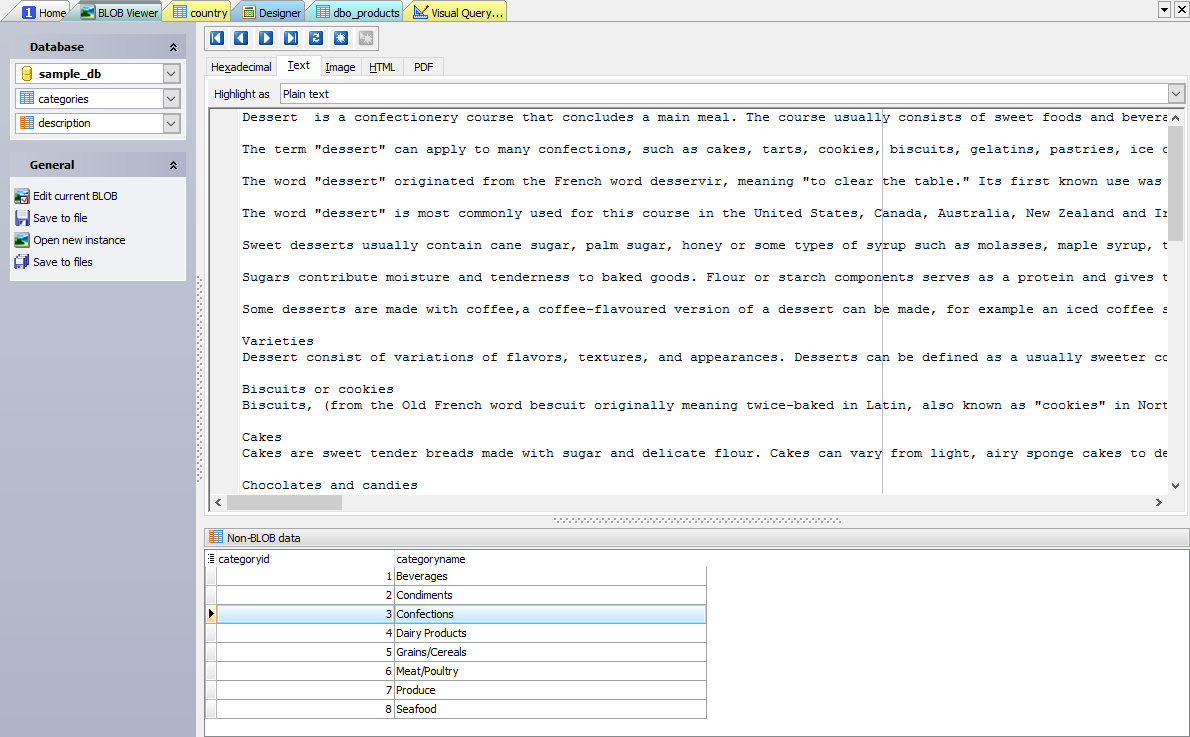
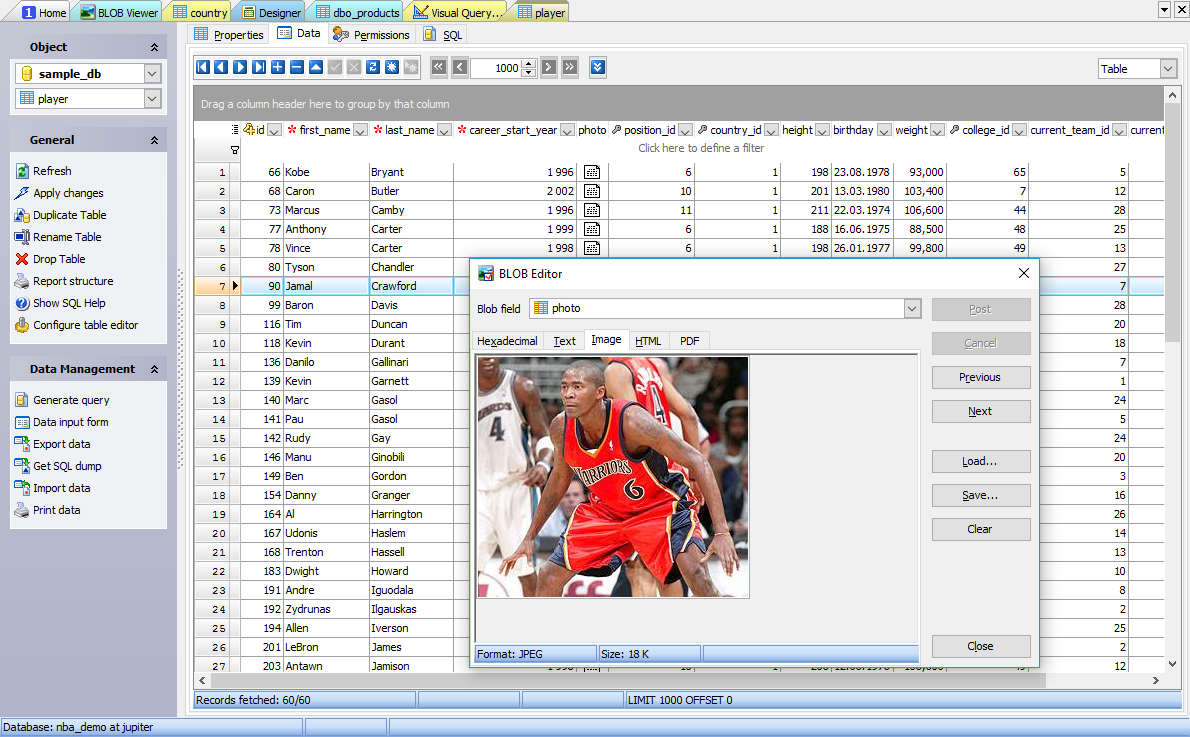
- Powerful BLOB Viewer/Editor
All these features make our product your irreplaceable assistant in the world of the Firebird database server. Boost your productivity and save your time and efforts on managing and maintaining your databases with Firebird Maestro!
Related solutions
 |
MS SQL Maestro
A comprehensive IDE for all DBAs and developers. Use it to manage any SQL Server from 7.0 to 2022 and Azure SQL Database!
|
Download Buy | |
 |
|||
 |
Oracle Maestro
Your best guide in the world of Oracle.
|
Download Buy | |
|
|||
 |
PostgreSQL Maestro
A state-of-the-art database management and development tool for all the PostgreSQL users.
|
Download Buy | |
|
|||
 |
Firebird Data Wizard
Powerful Firebird data conversion tools united in a single shell.
|
Download Buy | |
|
|||
 |
Firebird PHP Generator
Makes feature-rich PHP web apps for your Firebird database.
|
Download Free * | |
|
|||
 |
Firebird Data Sync
Compares Firebird database contents and synchronizes differences.
|
Download Buy | |
|
|||
 |
Firebird Database Converter
Migrates any database to Firebird.
|
Download Buy | |
|
|||
 |
Firebird Code Factory
An optimum solution for SQL queries and scripts management.
|
Download Buy | |
|
|||
| See all products | |||
Top 10 reasons to use Firebird Maestro



 |
Latest Firebird versions support Firebird Maestro supports all the latest versions of Firebird server |
Use Firebird Maestro to work with any Firebird server version up to 5.0! Among other things our software supports multi-purposed triggers for Firebird server versions 1.5+, indexes by expressions, sequences that were implemented in Firebird 2.0, database triggers (Firebird 2.1), viewing and editing data in UTF-8/Unicode encodings and much more.
 |
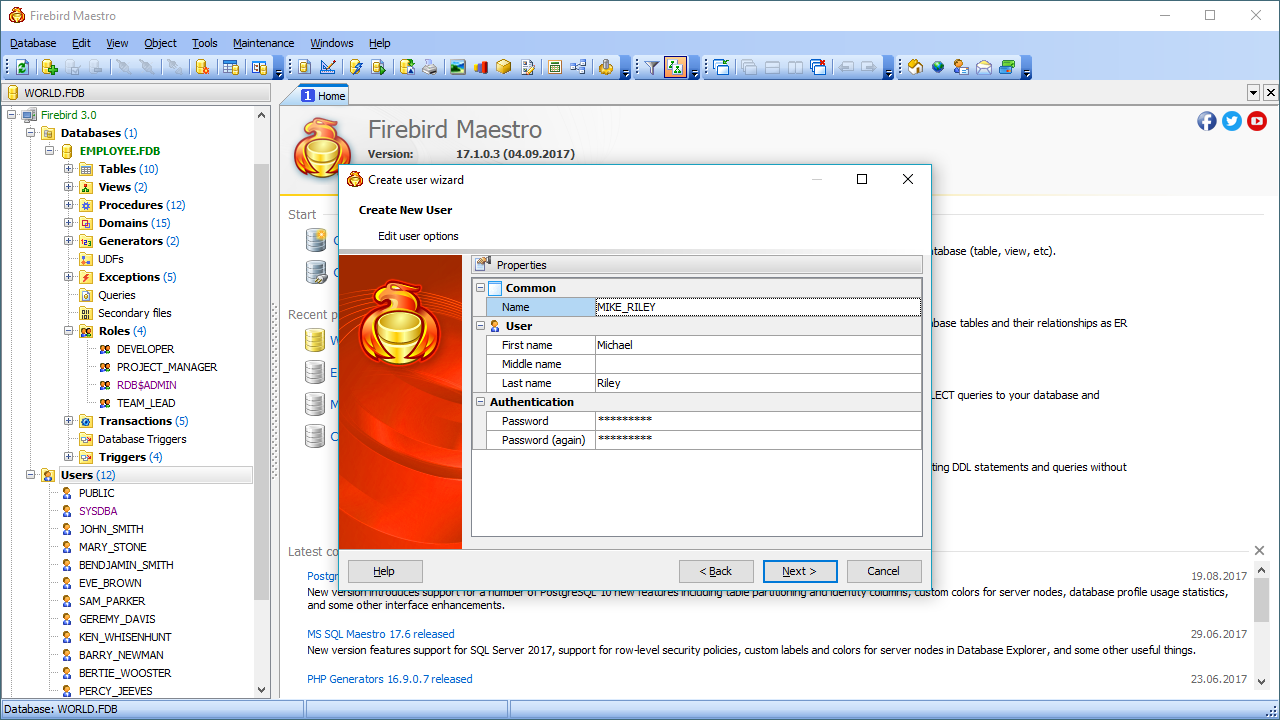
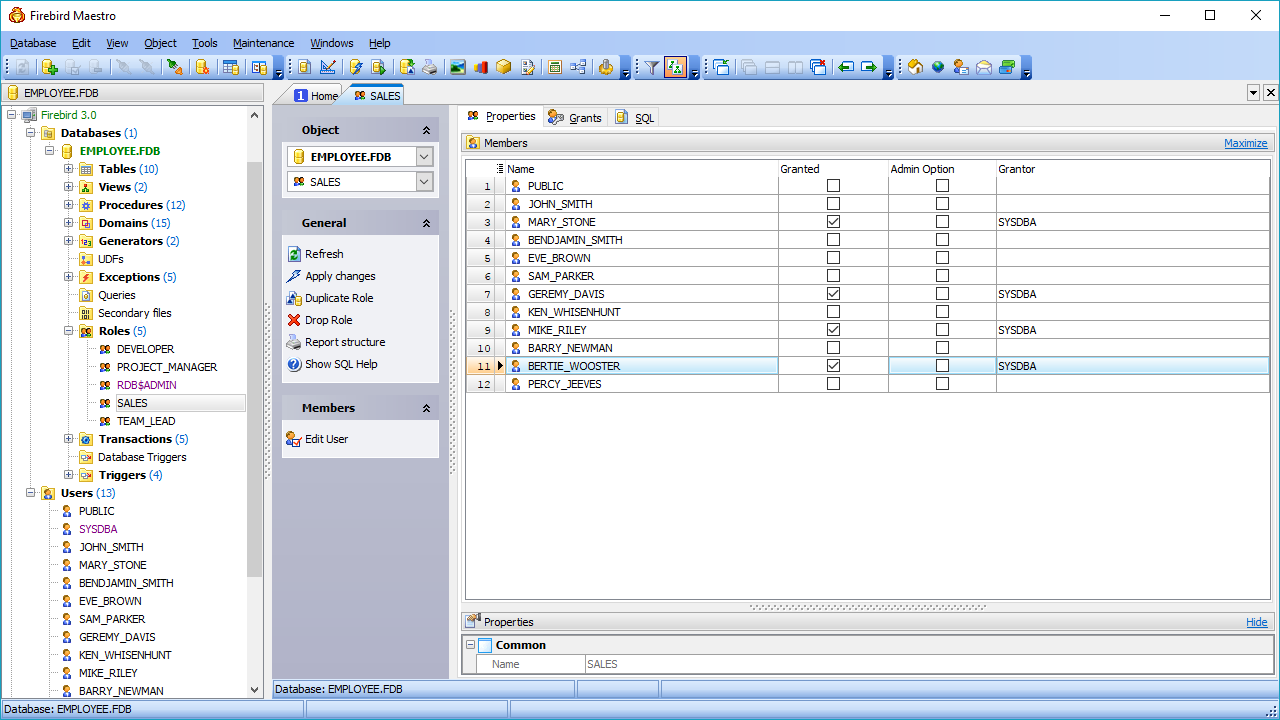
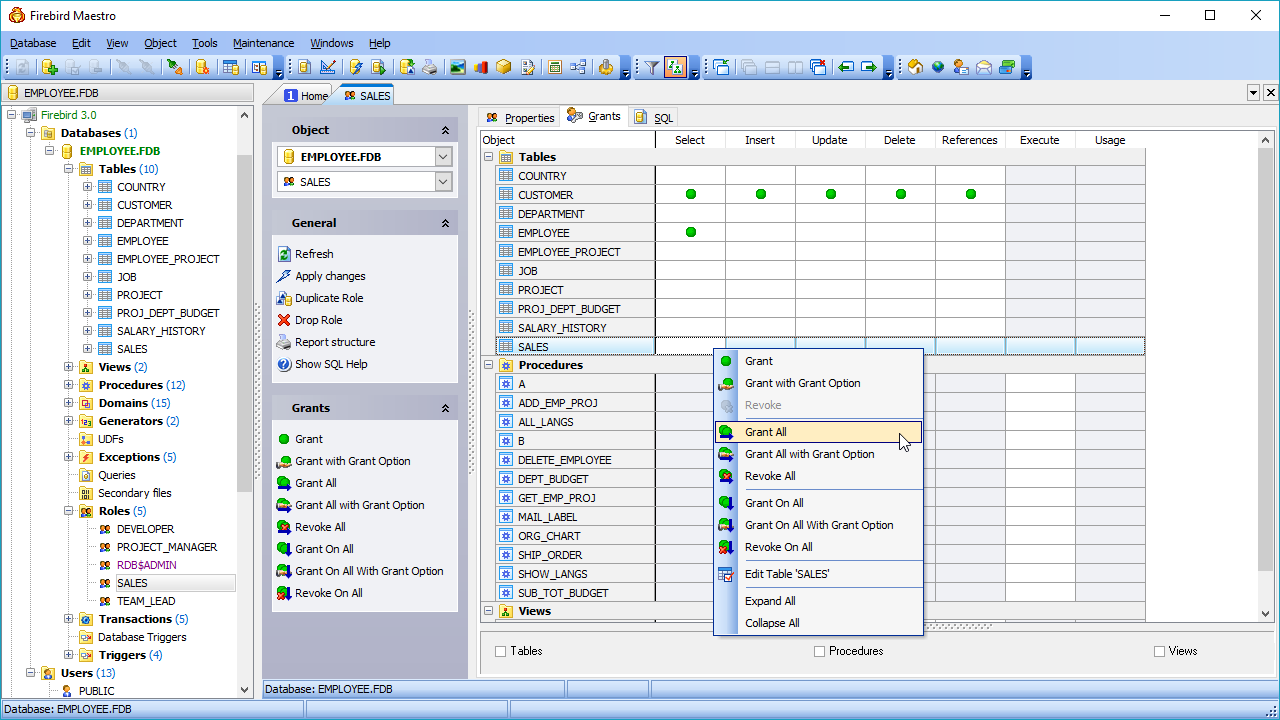
Powerful security management Firebird security system is easy and at the same time really covenient in Firebird Maestro |
Tune up your Firebird server security policy with several mouse clicks. Firebird Maestro provides you with a number of powerful editors that make management of Firebird users and their privileges as easy as it can be, even if you are not a skilled Firebird administrator that make management.
 |
Easy database objects management Firebird Maestro is incredibly easy in database objects management |
Windows clipboard, drag-and-drop operations, local pop-up menus - all of them can be used with database objects now! For example, to copy an object, simply drag and drop the object from one database to another, or use the Ctrl+C and Ctrl+V shortcuts instead of performing a long succession of manual operations.
 |
Clear in use Even a newbie can use Firebird Maestro |
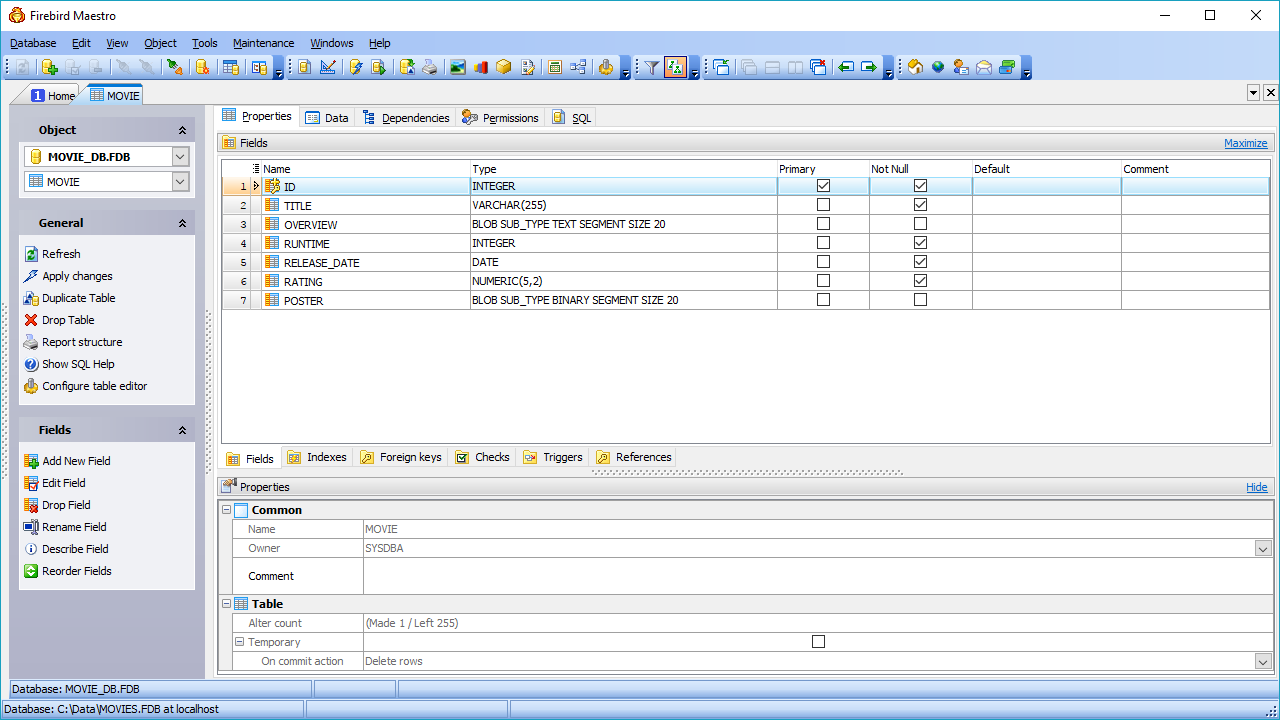
Firebird Maestro is as easy in use as Windows explorer! Firebird Maestro provides you with an understandable "explorer-like" navigation style, well-described wizard system, quick launch panel for performing the commonest operations, and a lot of other tools and features which do not require deep knowledge of Firebird.
 |
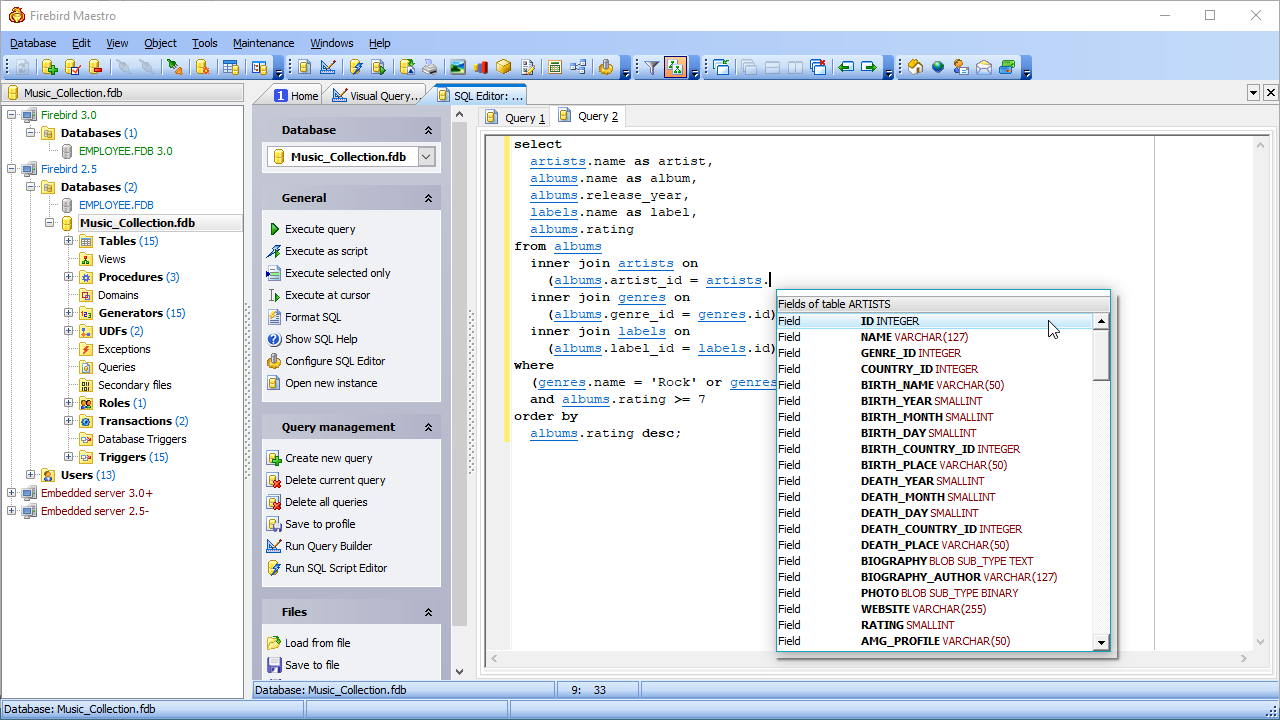
Advanced SQL Editor Firebird Maestro allows you to create and execute queries in the most convenient way |
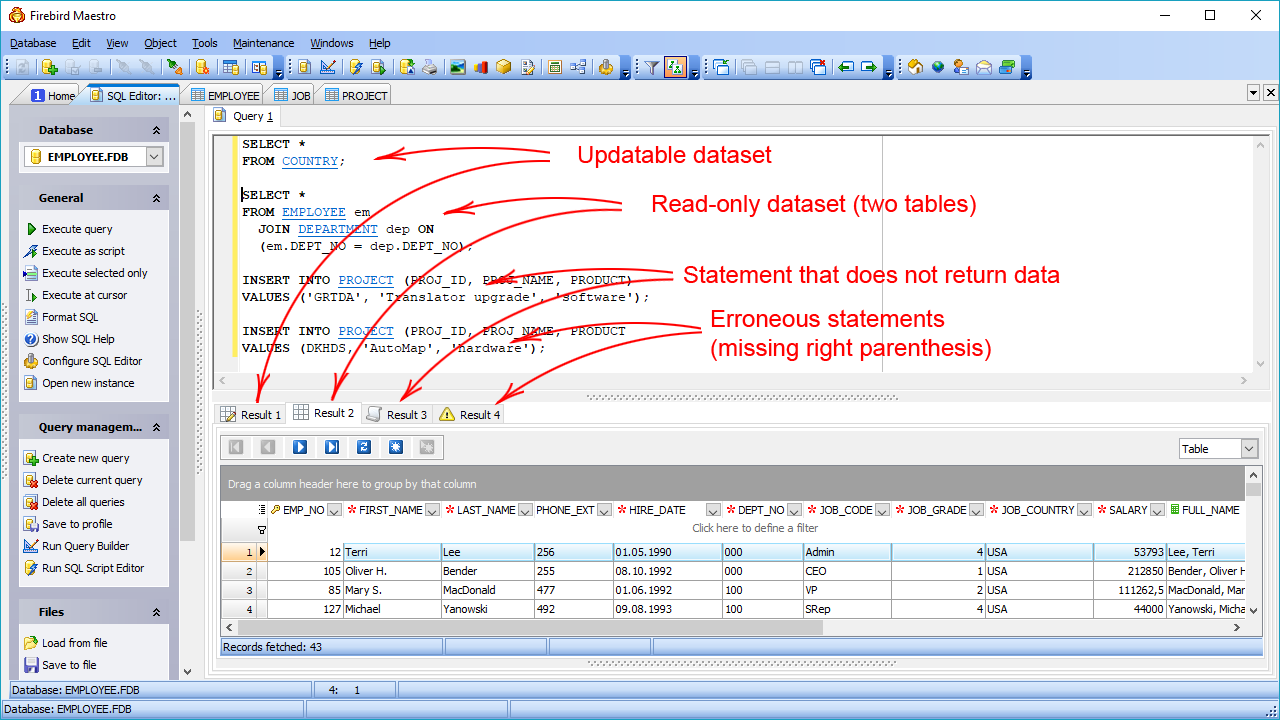
Handy SQL Editor provides you with an ability to execute several queries simultaneously. Each query is executed in a separate thread, so all Firebird Maestro opportunities remain available and there is no need to wait for your complex query to be completed. Such features as syntax highlighting and code completion make your work with the Editor extremely comfortable.
 |
Powerful data export and import Firebird Maestro provides you with advanced data export and import abilities |
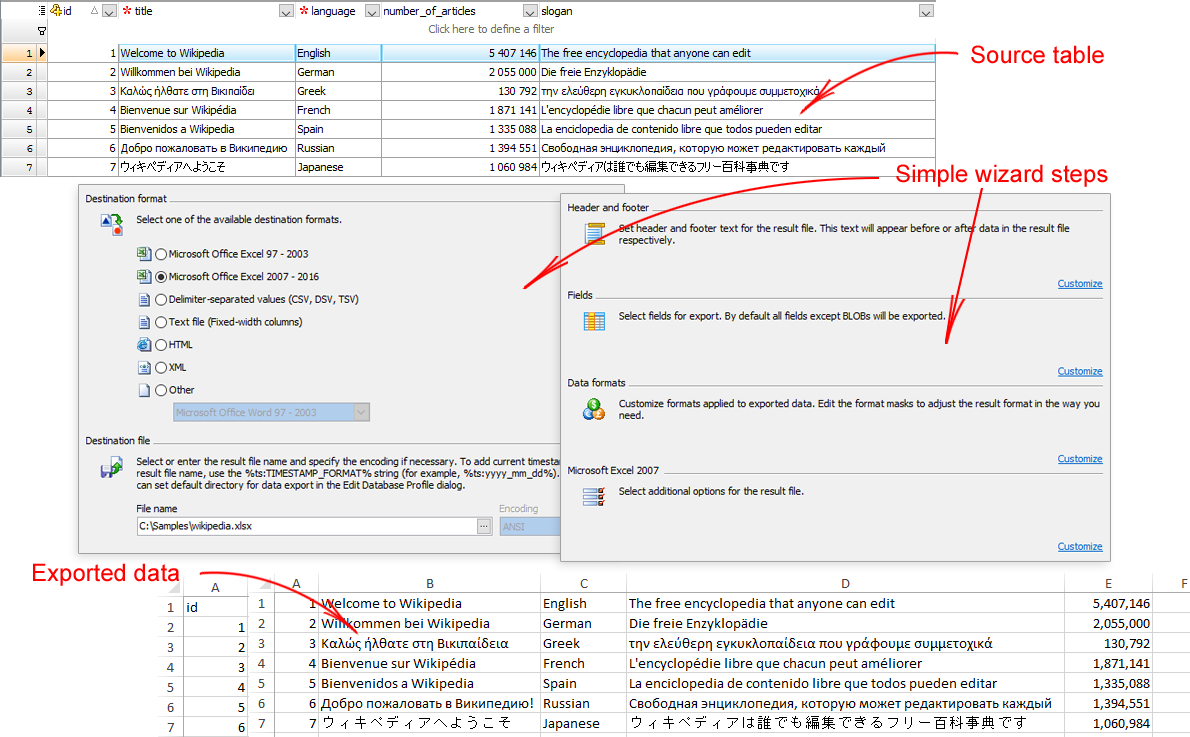
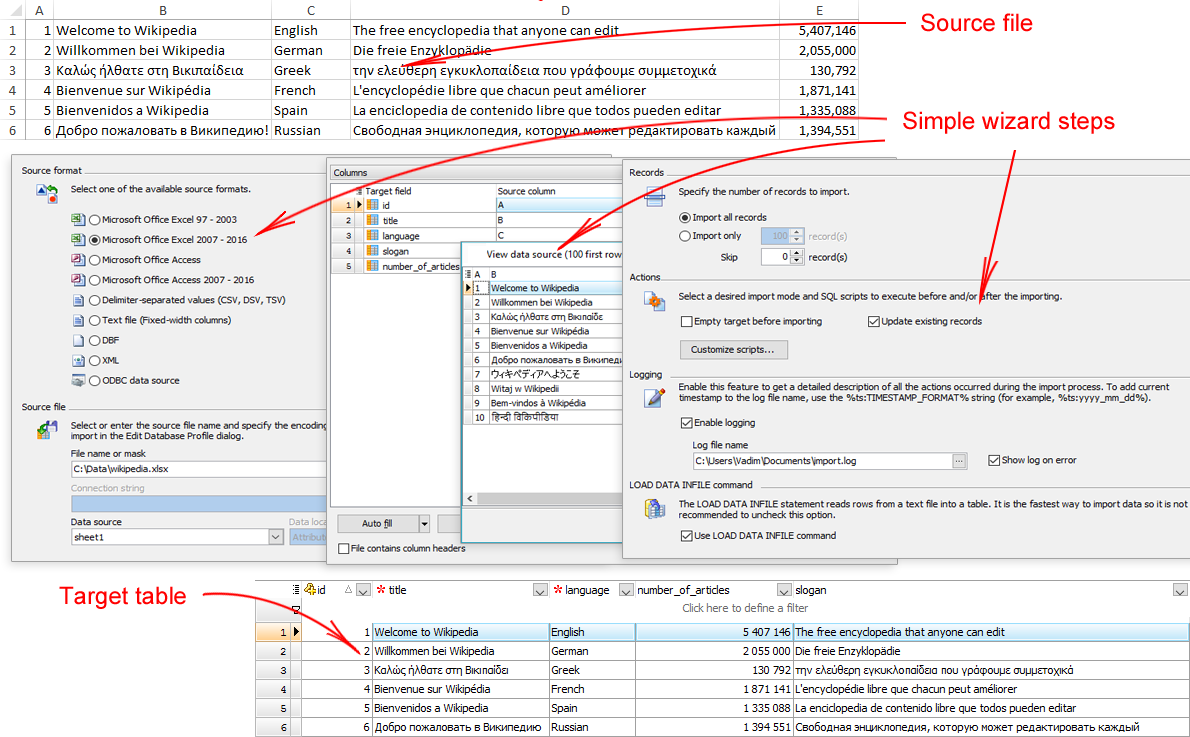
Firebird Maestro supports more than twelve formats for data export and six formats for data import. These are MS Excel, MS Access, MS Word, RTF, HTML, PDF, XML, CSV, DBF and more. Moreover,
Firebird Maestro does not require any additional software installed for all the supported formats.
 |
Full support for BLOB fields Firebird Maestro has an ability to view BLOB data in various ways |
Using Firebird Maestro you can view or edit BLOB data in the following ways: hexadecimal dump, plain text, graphical image or HTML page. A graphical representation of BLOB data supports five image formats: BMP, Windows metafile, JPEG, GIF and PNG.
 |
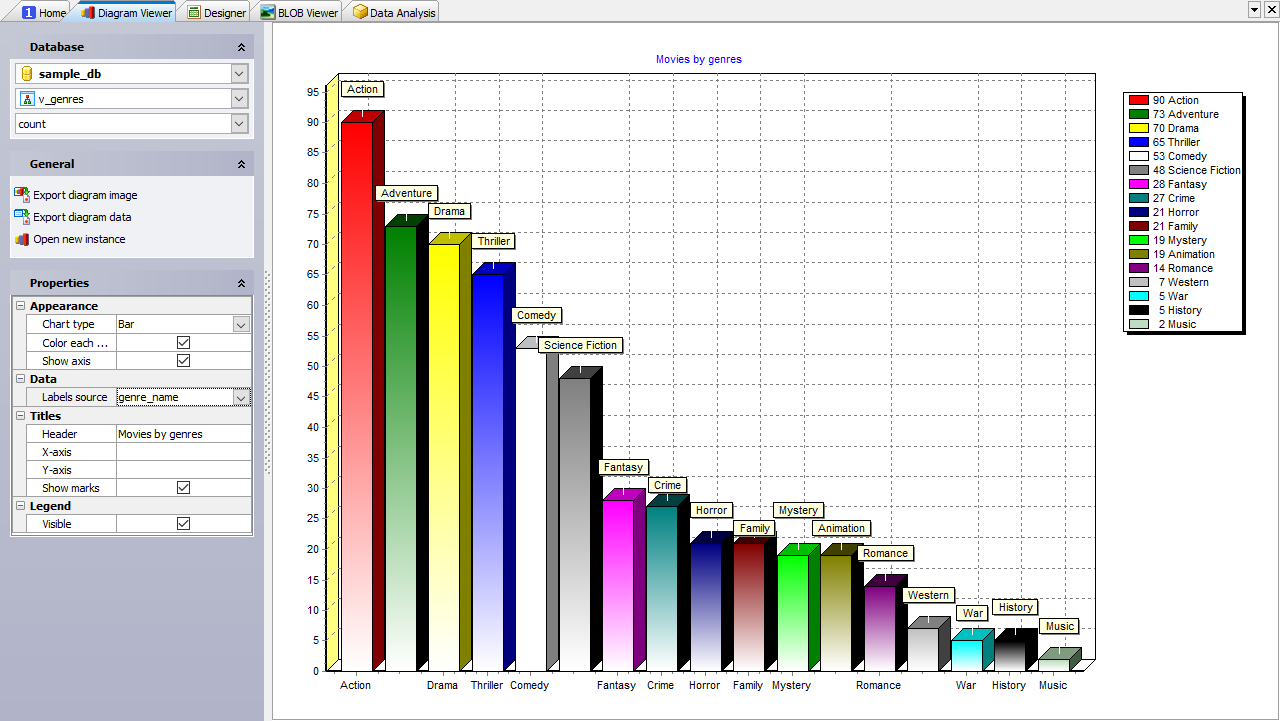
Viewing data as diagrams Firebird Maestro allows you to build diagrams based on Firebird server. |
This exclusive feature represents numeric data from a table or a query result as a diagram with a possibility of customizing its appearance in various ways. You can also easy export the diagram to the following formats: BMP, Windows metafile, PDF, JPEG, PNG and more.
 |
The fastest way for building queries Firebird Maestro allows you to create the SELECT statements visually |
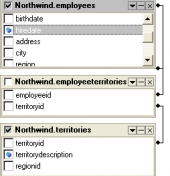
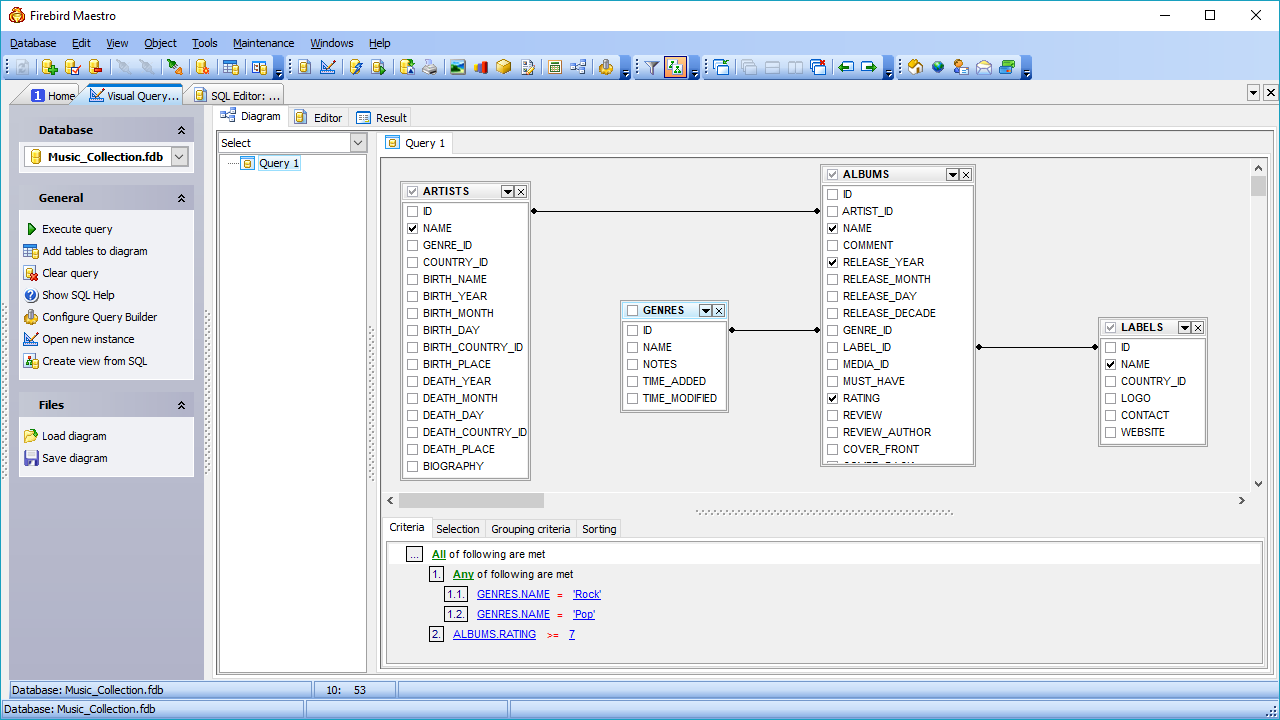
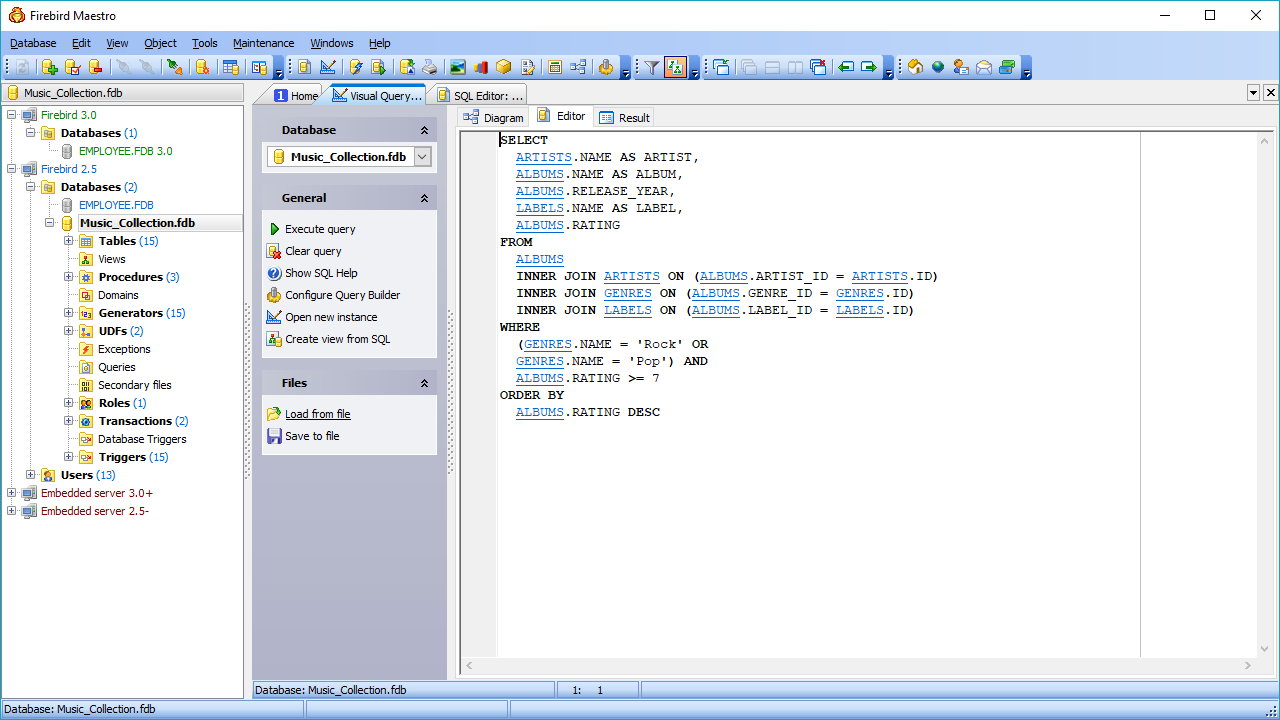
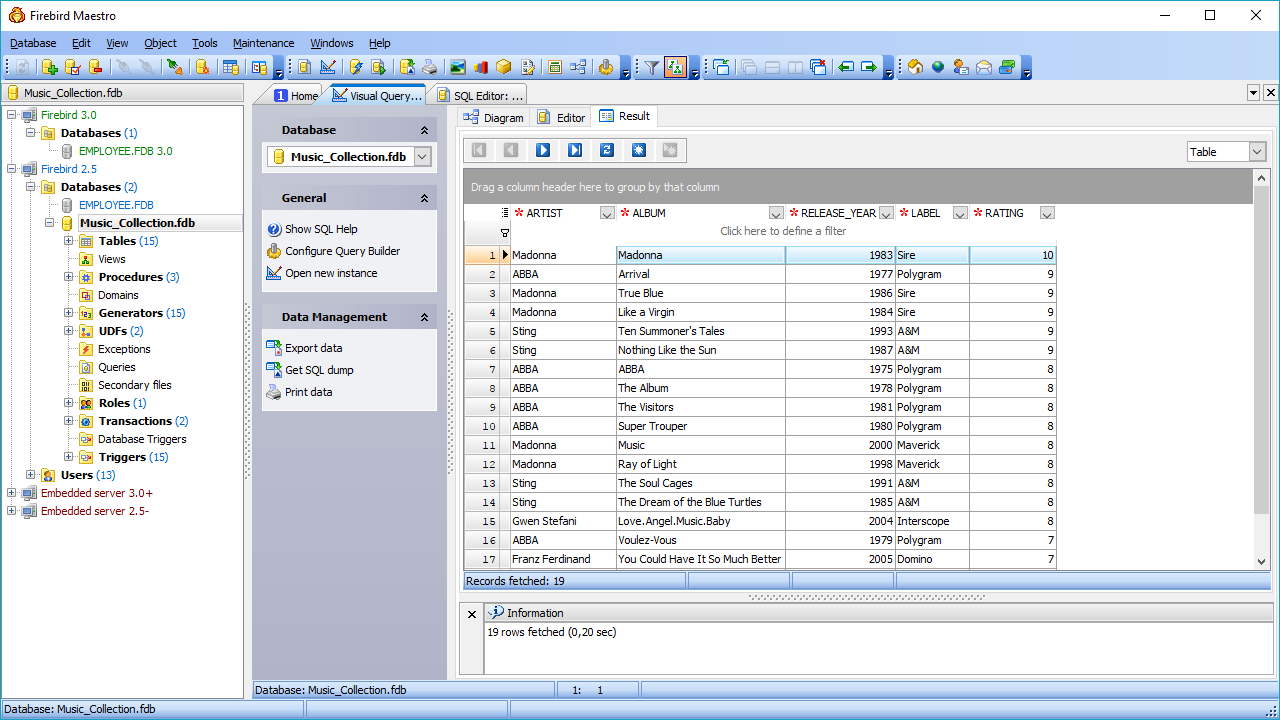
The Visual Query Builder is a powerful tool of Firebird Maestro intended for designing queries as visual diagrams. This tool does not require any knowledge of the SELECT statement syntax, it will form a query automatically, you just need to mark what information do you want to retrieve.
 |
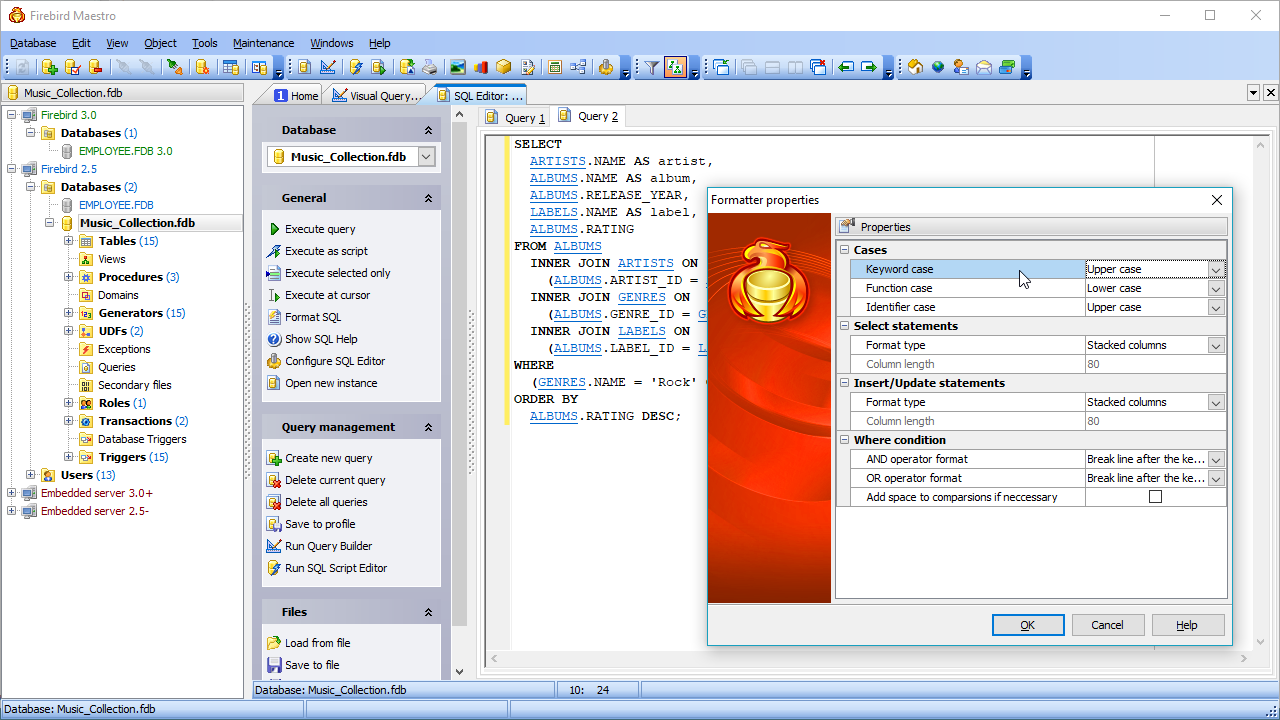
Full customization according to your preferences and needs Firebird Maestro admits to flexible customization |
In Firebird Maestro you can customize the behavior of all its tools, select a user interface scheme and set a lot of other various preferences.